

Connect to central
Protocol Bridge Central follows many gateways: which are online, their live values, commands from operators and configurations deployed from one place. A gateway opens one outbound MQTT 5 connection to central’s broker (TLS with its own client certificate) and publishes every endpoint as a Sparkplug B device. No inbound port is needed on the gateway; see Security and NIS2 for the firewall rules and what protects the link.
1. Add the gateway in central
Section titled “1. Add the gateway in central”- Sign in to central as an Admin.
- Click Add a gateway on the toolbar of the Gateways page, or + next to
Gateways in the explorer. Enter the Gateway id and the Site (1 to 32 characters:
a-z,0-9and-). - Click Create enrollment token and copy the one-time token.
2. Enroll the gateway
Section titled “2. Enroll the gateway”On the gateway machine, in the gateway’s folder:
protocolbridge-runtime enroll --central https://central.example --token <token> --dir C:\ProtocolBridge\linkThis creates the gateway’s key, gets a 90-day client certificate and writes link.json. The
gateway renews the certificate by itself 30 days before it expires.
3. Check link.json
Section titled “3. Check link.json”{ "broker": "mqtts://central.example:8883", "site": "plant-a", "gateway": "gw-01", "caFile": "ca.pem", "certFile": "gateway.pem", "keyFile": "gateway.key", "configPublicKey": "<shown on central's Configuration page>", "allowRemoteControl": false}| Field | Default | Meaning |
|---|---|---|
broker |
(required) | mqtts://host[:8883] |
site, gateway |
(required) | the ids from central |
caFile, certFile, keyFile |
written by enroll; paths are relative to link.json |
|
configPublicKey |
the key that signs configurations; without it, configurations from central are refused | |
allowRemoteControl |
false |
accept commands from central’s operators |
bufferMaxMb |
100 |
values kept on disk while central is unreachable |
Unknown fields are an error, so a misspelled security setting does not go unnoticed.
4. Start the runtime with the link
Section titled “4. Start the runtime with the link”protocolbridge-runtime --config C:\ProgramData\ProtocolBridge\gateway.json --link C:\ProtocolBridge\link\link.jsonTo keep the gateway’s web UI as well, run the runtime as its own service and set the gateway
to "Runtime": "Remote" with RuntimeUrl (e.g. http://127.0.0.1:5104) and RuntimeToken
in appsettings.json (see Install the gateway).
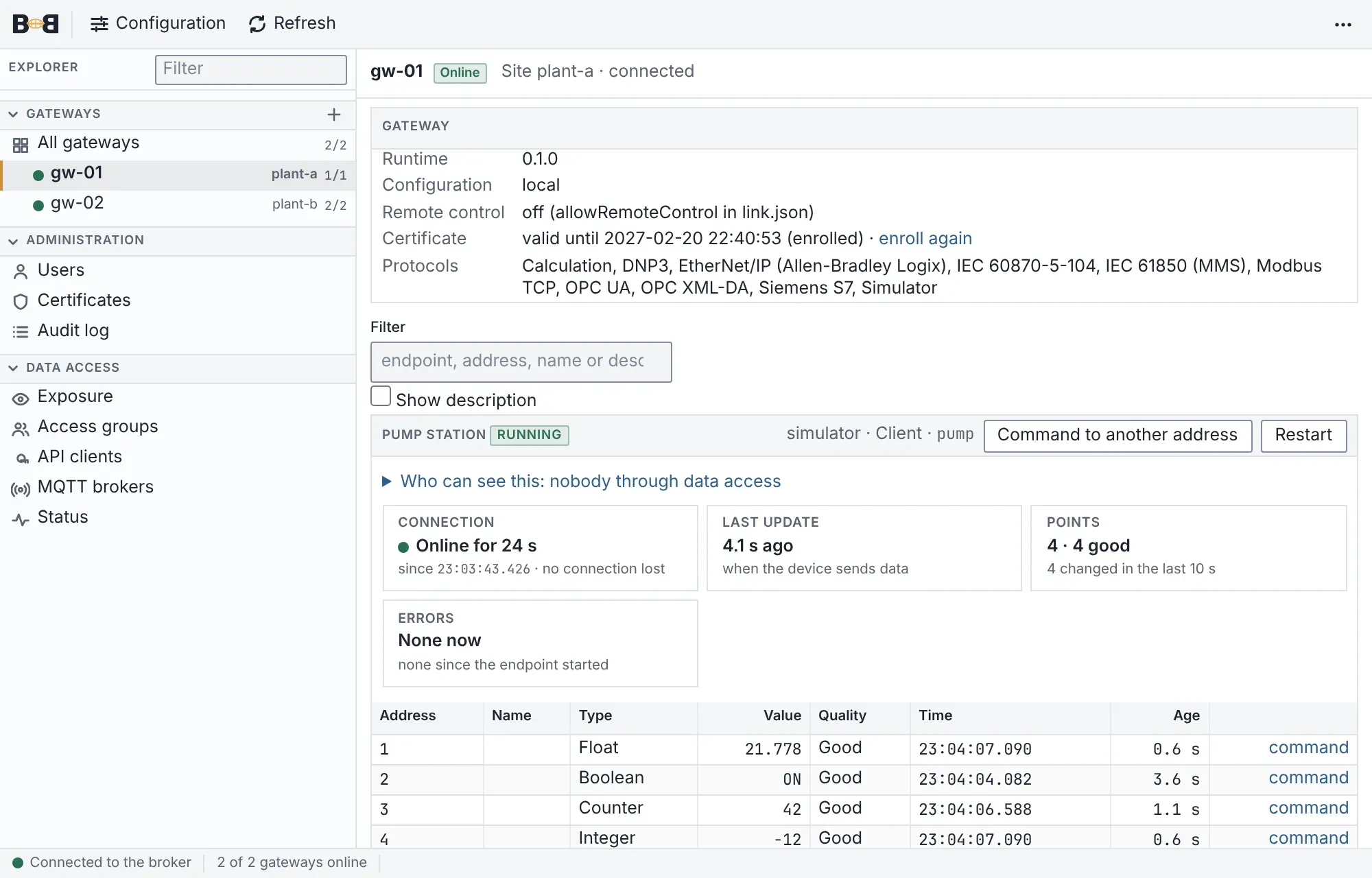
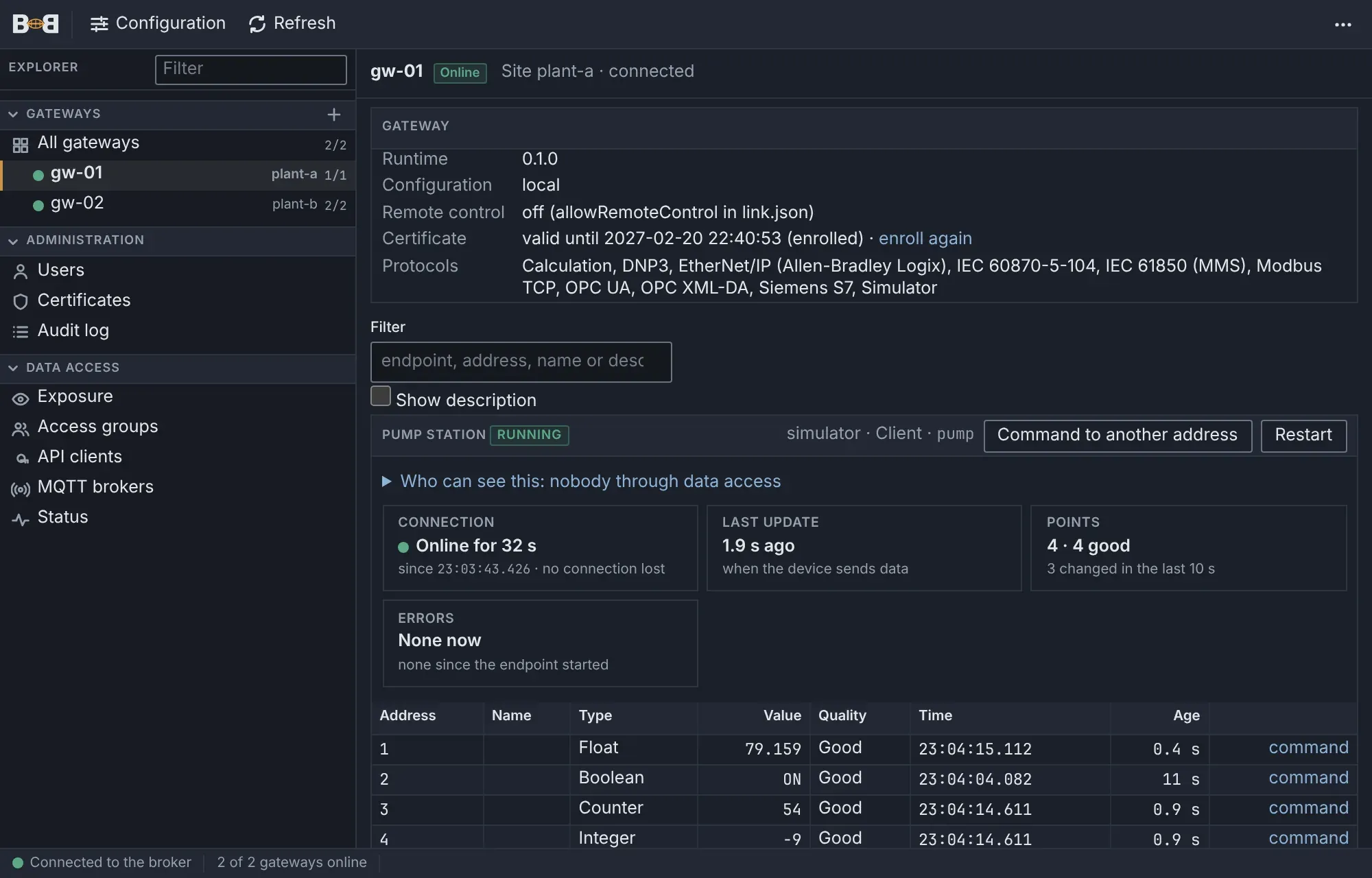
The gateway appears in central as online: in the explorer under Gateways, with its site and its endpoints running, and on its own page with each endpoint’s live values. The status bar at the bottom shows central’s connection to the broker and how many gateways are online; it turns red while central has lost the broker. While central is unreachable, the gateway keeps working and buffers values on disk; they are sent when the connection is back.
Names and flags in central
Section titled “Names and flags in central”Central’s gateway page shows each point’s name next to its address, and the value’s flags next to its quality, as the gateway has them. The search finds points by name too. A rename on the gateway reaches central at once. With a gateway of an older version, central shows the points without names and flags.
A read-only point has a lock before its name in central too, and central offers no command for it. Central’s data access (REST, MQTT, OPC UA) never makes it a control, whatever the exposure rule says: its access is read, and a control to it is refused before anything is sent to the gateway. Changing the mark on the gateway reaches central at once.
Health in central
Section titled “Health in central”Central’s page of a gateway shows, for each client endpoint, the same health strip, Age
column and bad-point reasons as the gateway’s own live data page (see
Live data and commands). They travel
as Sparkplug metrics under Health/; to keep the link’s traffic low, the gateway sends changes
to them at most once every 5 seconds per endpoint, so the Last update tile in central can be up
to 5 seconds behind the gateway’s. The page is read-only, like the rest of it.
Configurations from central
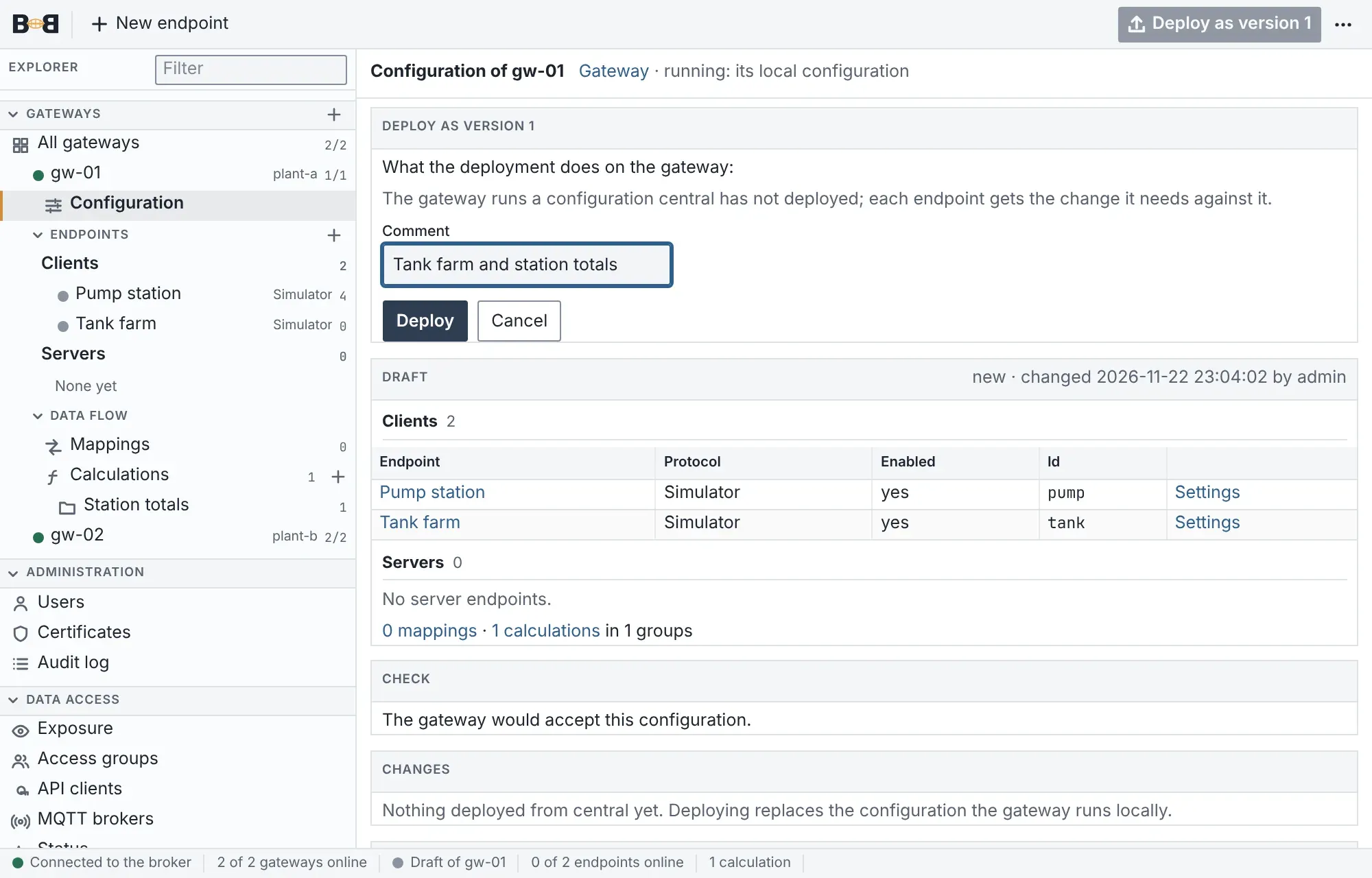
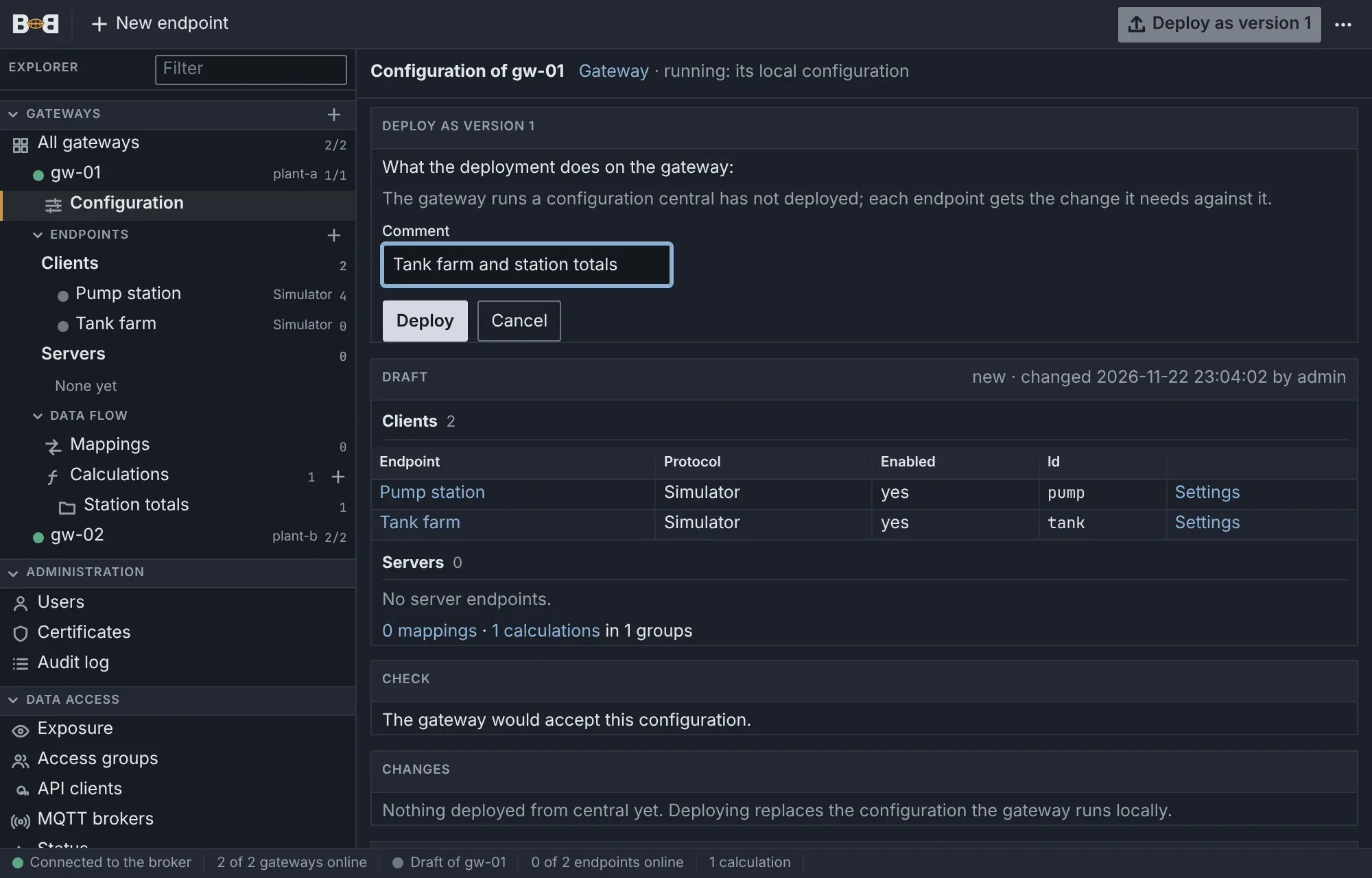
Section titled “Configurations from central”Configuration on a gateway’s toolbar opens its draft. Engineers edit it with the same endpoint, mapping and calculation editors as the tester: while the draft is open, its endpoints, mappings and calculation groups are listed in the explorer under the gateway, below Configuration, which leads back to the draft’s overview. Each change is checked like the gateway checks it.
Deploy as version on the toolbar first shows what the deployment does to each endpoint and asks for a comment; Deploy then signs the version and announces it. The gateway downloads it, verifies the signature and checksum, and applies it as a whole. Central shows each version as sent, applied or rejected; a version’s page rolls back to it (Roll back to this version) or copies it into the draft (Edit from this version).
A configuration from central cannot change link.json, so a bad deployment never cuts the
gateway off from central.